
Set up your account
2 min read
You need three things before your first experiment: an account, a client for your company or brand, and a project for the website you will test on. This takes about two minutes.
Create your account
Section titled “Create your account”-
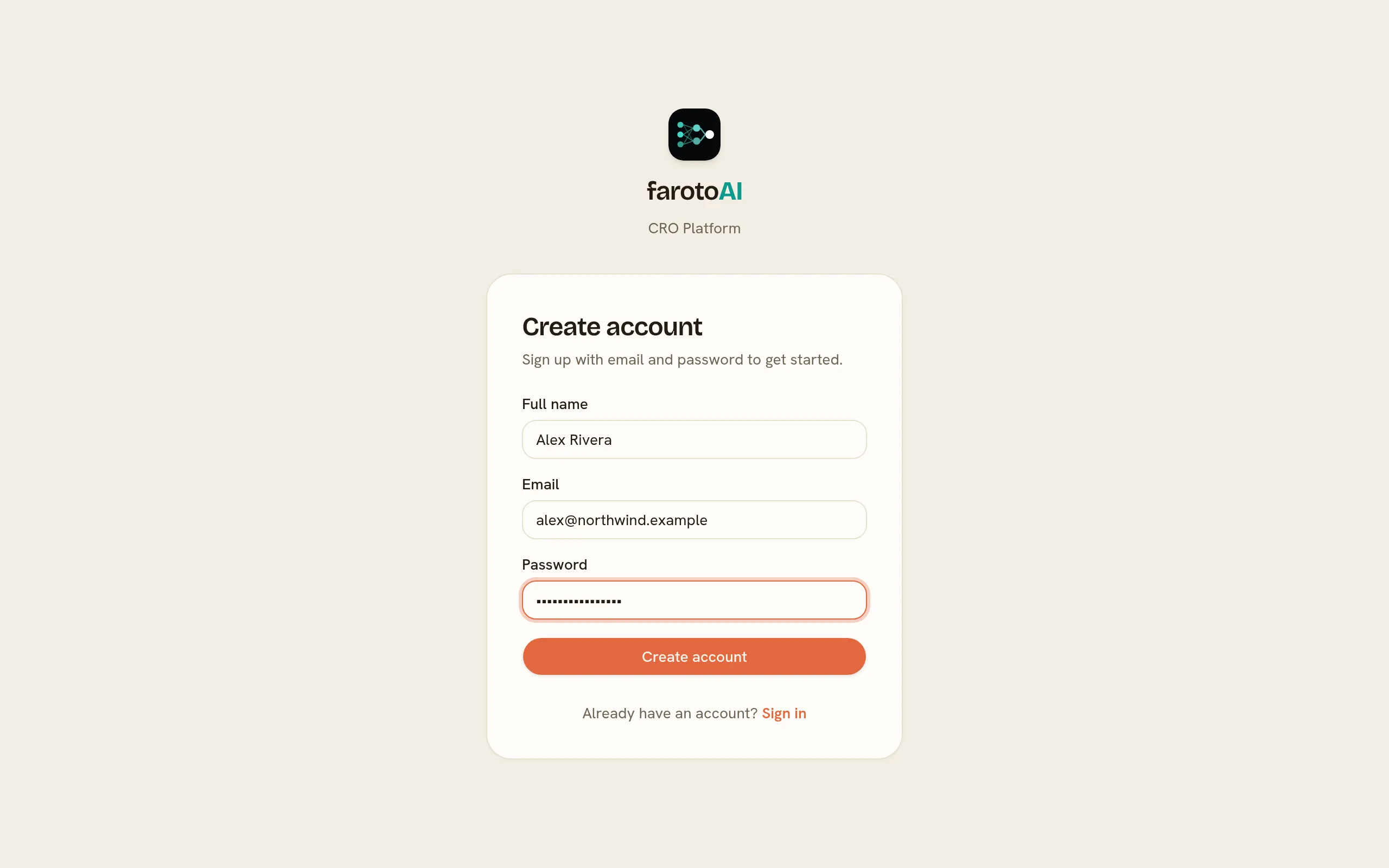
Enter your name, your work email and a password, then select Create account.
Create a client
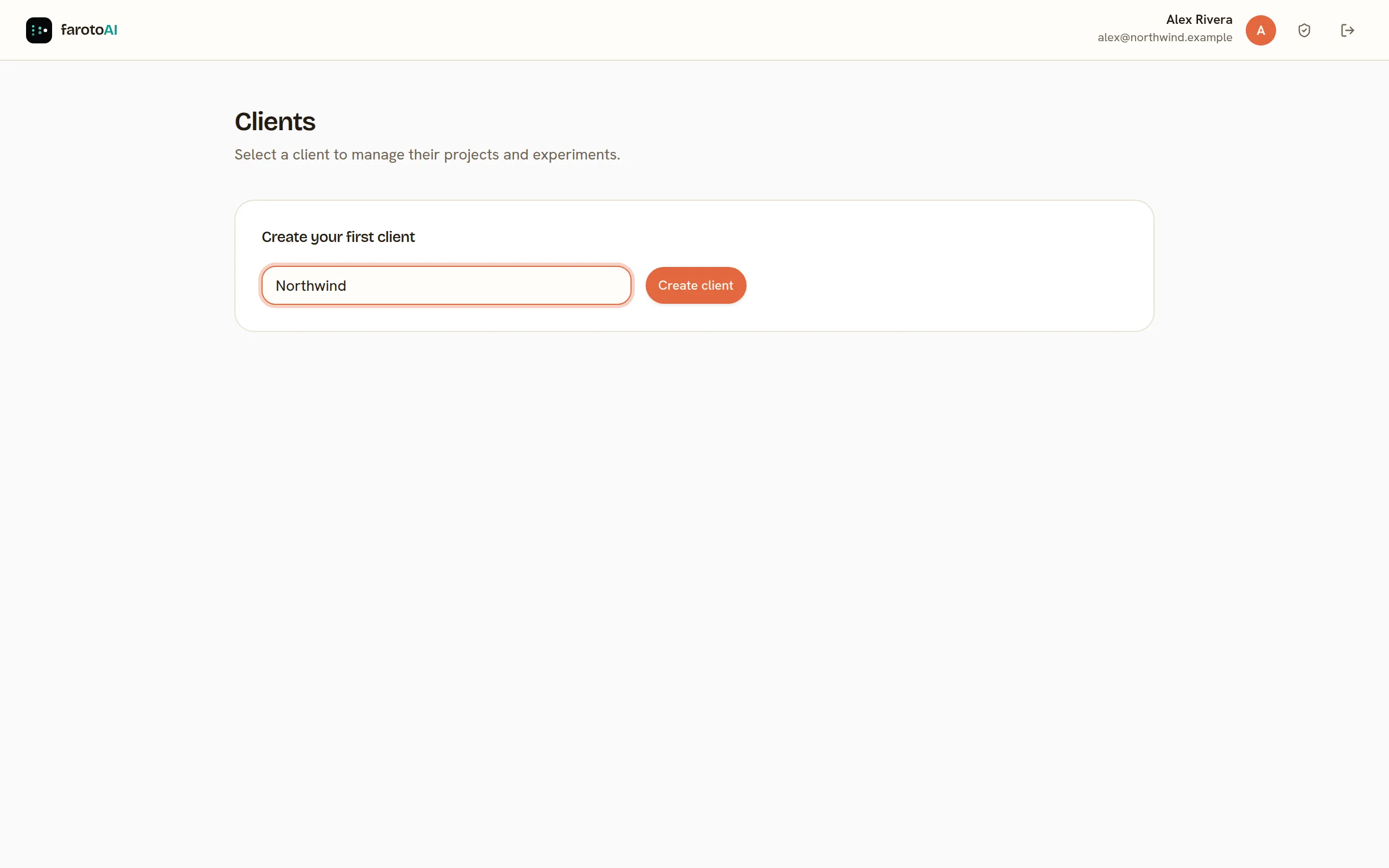
Section titled “Create a client”A client is a company or brand. An agency creates one per customer; most teams need only one.
On the Clients page, type the name and select Create client.
Create a project
Section titled “Create a project”A project is one website. It has its own snippet, experiments and metrics, so a shop and its blog on different domains are two projects.
-
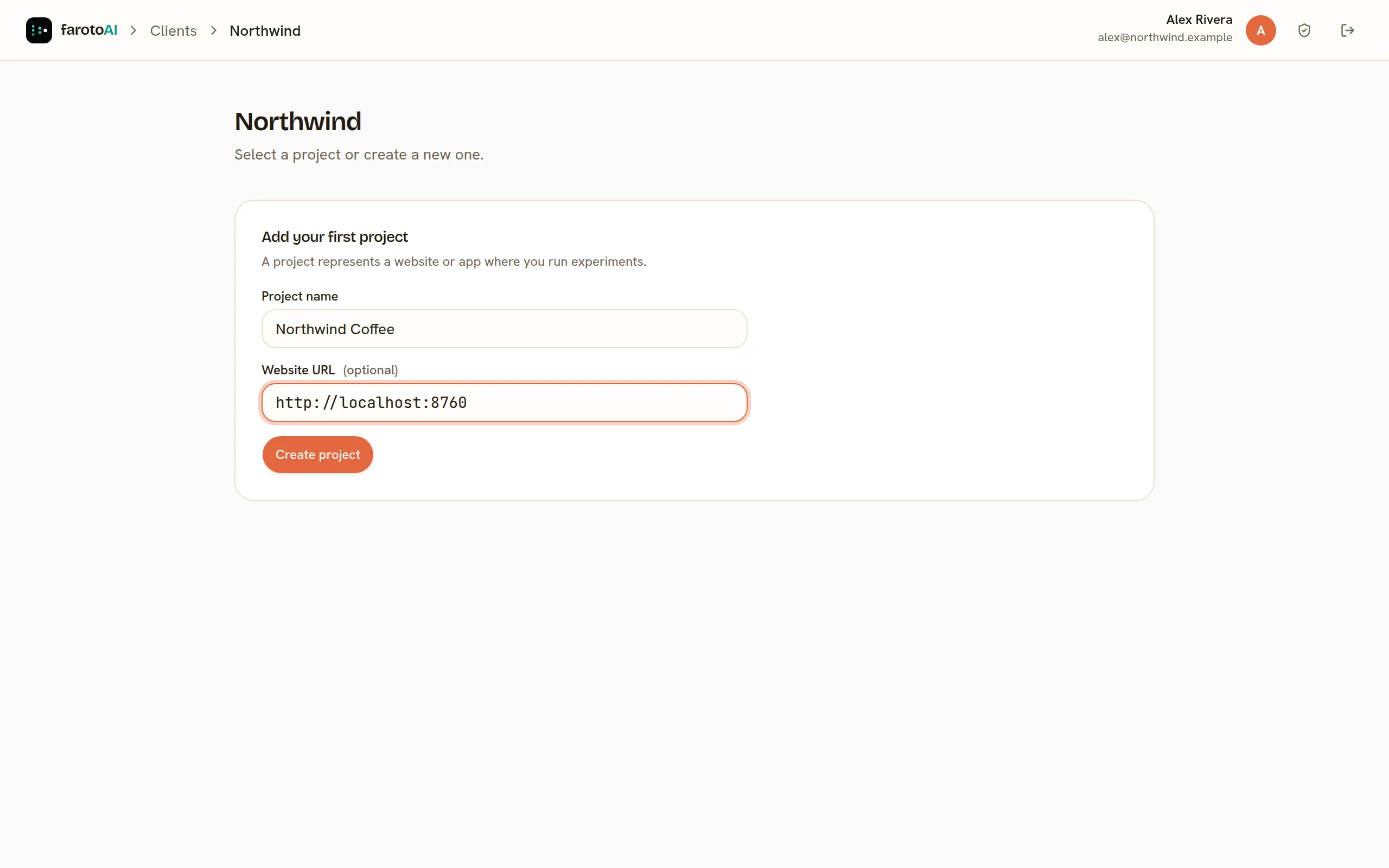
Enter a Project name.
-
Enter the Website URL, for example
https://www.example.com. The visual editor loads pages only from this site, itswww.twin and its subdomains, so use the address your visitors see. -
Select Create project.
You land on the project’s Experiments page. The sidebar holds everything else in the project: Metrics, Analytics, Audience, Segments, Tag Manager, Users and Settings.
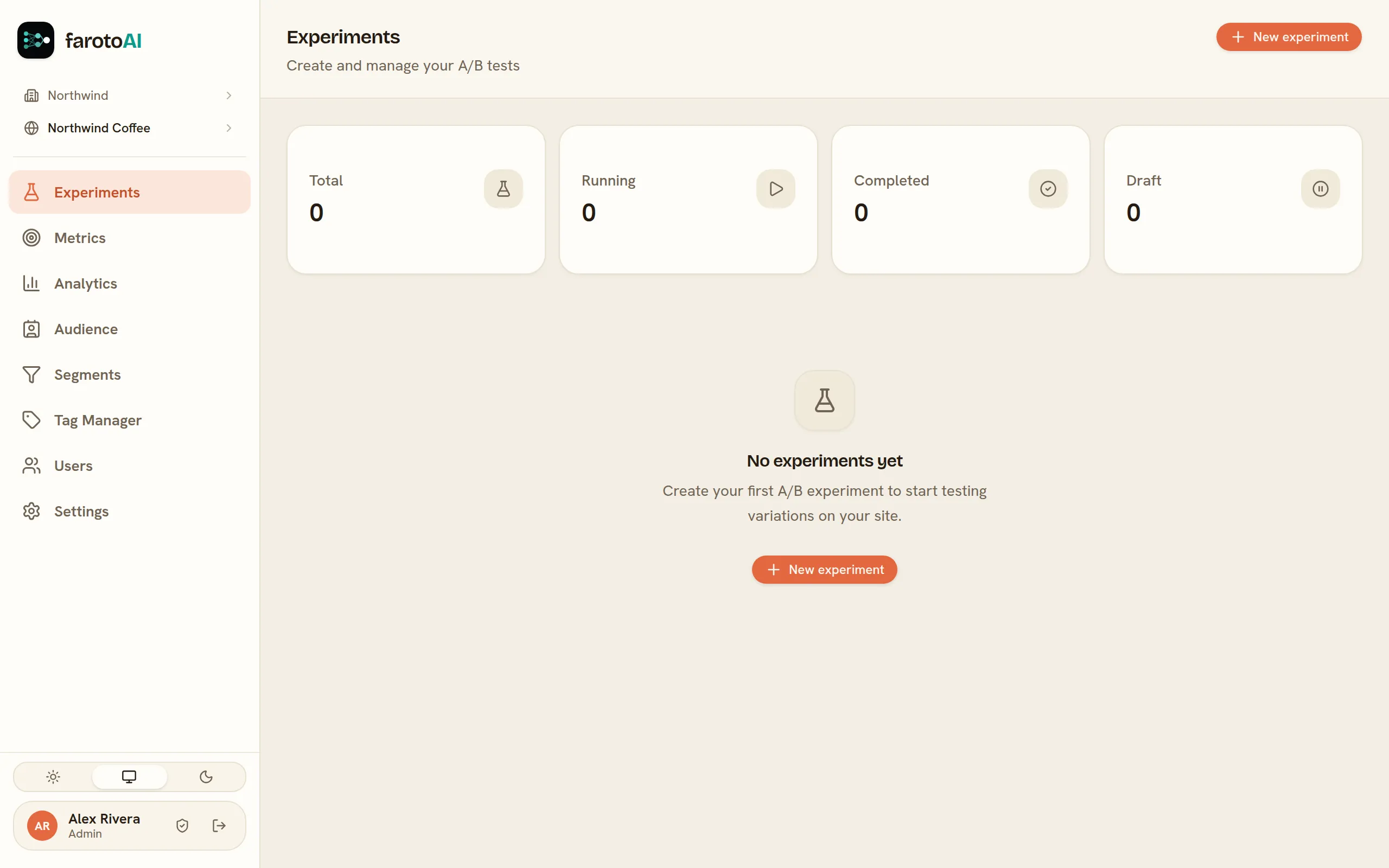
You can change the project’s name and website address later in Settings → Project and site.
Protect your account
Section titled “Protect your account”Select the shield beside your name to open Account security and turn on two-factor sign-in with an authenticator app. Signing in then asks for a six-digit code after your password. Keep the ten recovery codes it gives you somewhere safe: they are how you get back in if you lose your phone.
Install the snippet on your website.