
Install the snippet
3 min read
The snippet is two short scripts that go on every page of your site. It is what shows each visitor their variant and records what they do, so nothing in AB Tester works until it is installed.
Copy the snippet
Section titled “Copy the snippet”-
In your project, open Settings in the sidebar.
-
Under SDK integration, copy the Basic setup code. It already contains your project’s key.
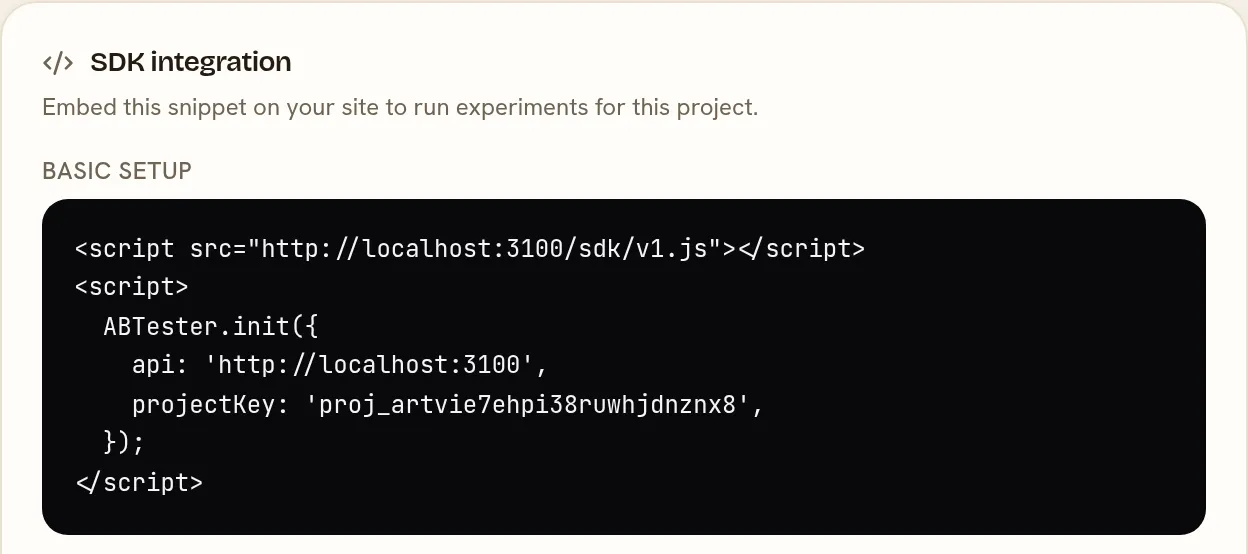
It looks like this, with your own key:
<script src="https://abtester.farotoai.cloud/sdk/v1.js"></script><script> ABTester.init({ api: 'https://abtester.farotoai.cloud', projectKey: 'proj_…', });</script>Add it to your site
Section titled “Add it to your site”Paste the snippet into the <head> of every page, as near the top as you can and before any other script that
changes the page. It changes the page as soon as it has loaded, so the higher it sits, the less chance a visitor has of
glimpsing the original before the variant appears.
- Your own templates: add it to the layout or header template every page shares.
- WordPress, Shopify and similar: add it to the theme’s header, or use the platform’s “custom code in head” setting.
- A tag manager: this works, but tag managers load later than the page itself, so visitors are more likely to see the original for a moment before the variant. Add it directly when you can.
Check it is working
Section titled “Check it is working”-
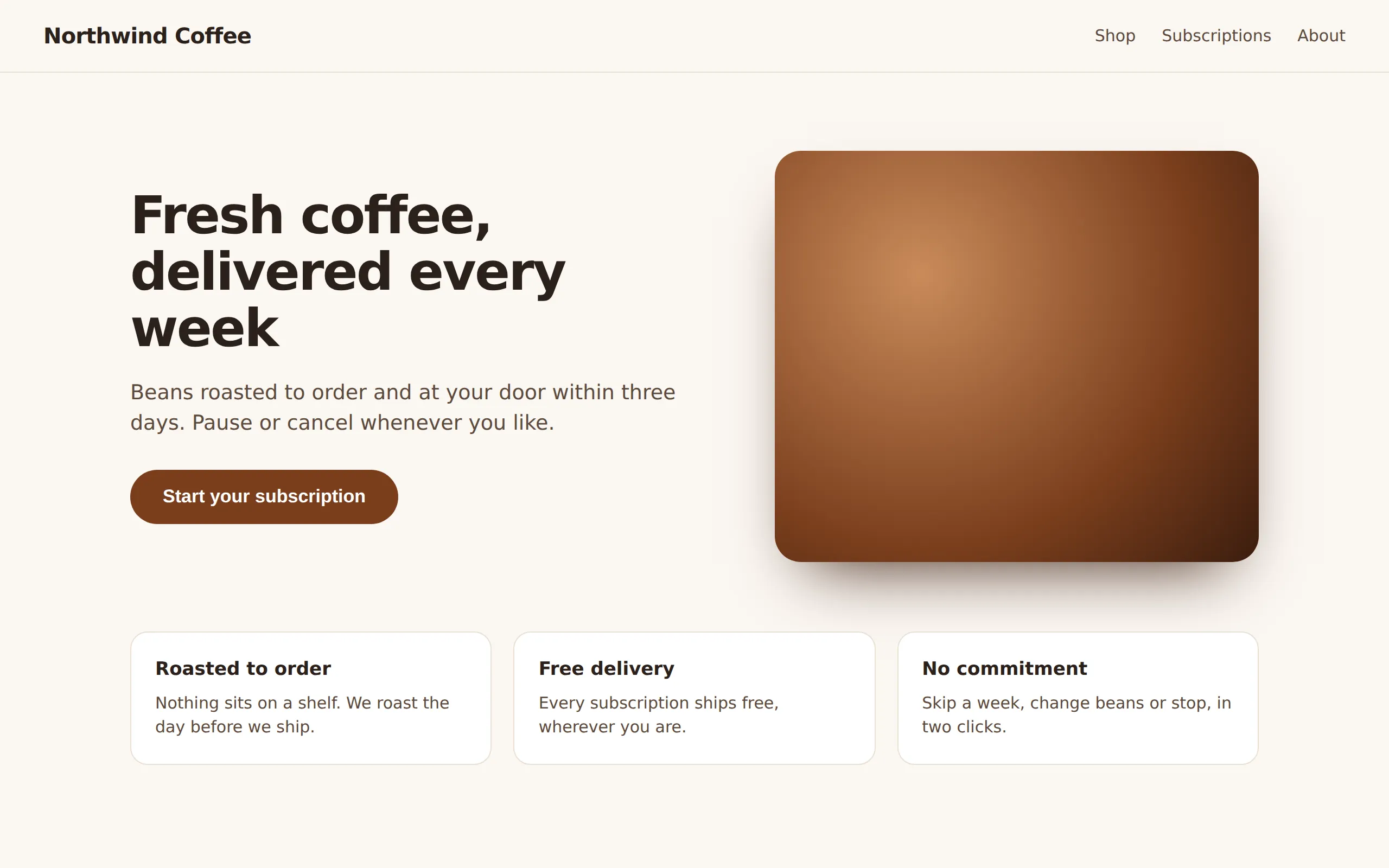
Open any page of your site in a browser.
-
Open the browser’s developer console and type:
ABTester.getVisitorId()It returns an ID starting with
abt_. If it saysABTester is not defined, the snippet is not on this page. -
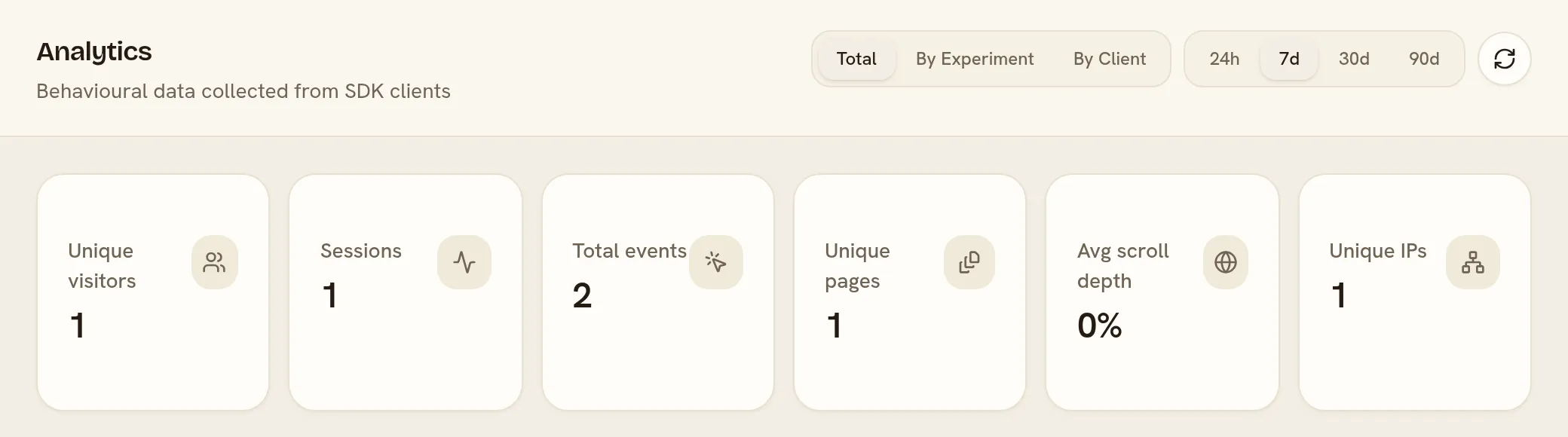
In AB Tester, open Analytics in the sidebar. Within a few seconds of your visit, Unique visitors counts you.
Send your own events (optional)
Section titled “Send your own events (optional)”Clicks, page views and scrolling are recorded without any extra code. For anything else, such as a completed
purchase or a form sent, call ABTester.track from your own code:
ABTester.track('purchase', { revenue: 49.90 })The first argument is the event’s name, which you will use when you create a metric for it. To measure money, send
the amount as revenue: that is the key revenue metrics read unless you choose another when you create one.
Good to know
Section titled “Good to know”- No cookies. The snippet keeps a random visitor ID in the browser’s local storage. A visitor in a private window, or one who clears their site data, is counted as new.
- Single-page apps (React, Vue and similar): the snippet notices when the address changes without a page load and checks again which experiments apply.
- Speed. The snippet is under 8 KB compressed and makes one request for your experiments when a page loads.